
Business Guides • Website Strategy •
HOW TO PREPARE CONTENT FOR A WEBSITE REDESIGN
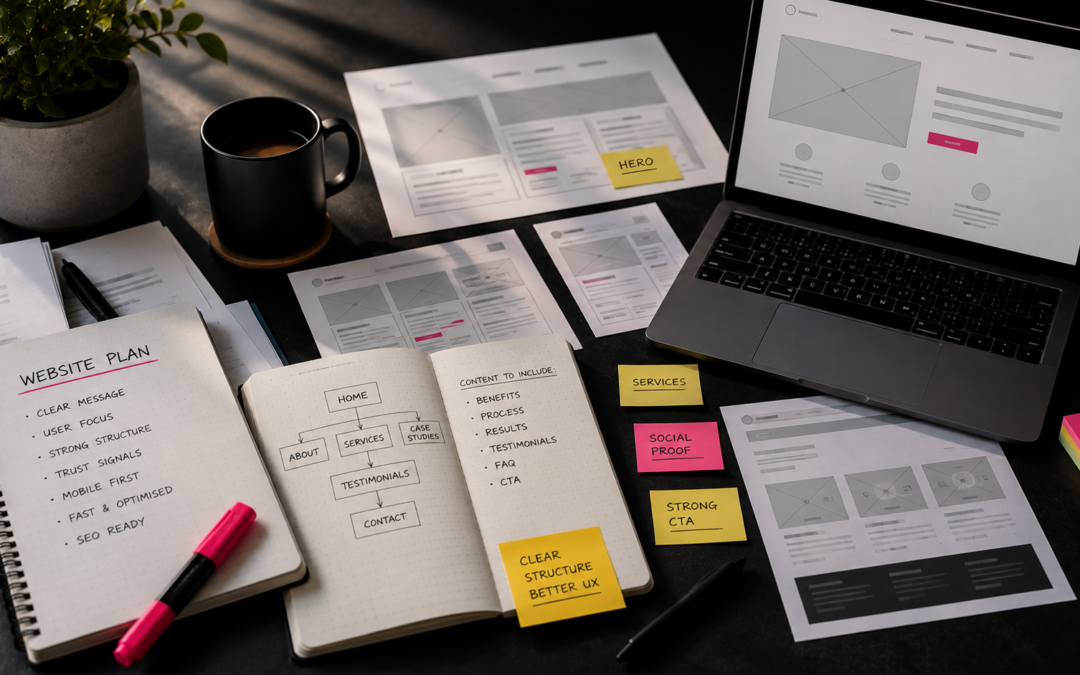
A stronger website starts with clearer content. Learn what to keep, improve, remove and prepare before the design process begins.
This keeps the title highly descriptive for both readers and search engines, while the supporting copy explains the practical value of the guide without becoming too long.
Business Guides • Website Strategy •
HOW TO PREPARE CONTENT FOR A WEBSITE REDESIGN
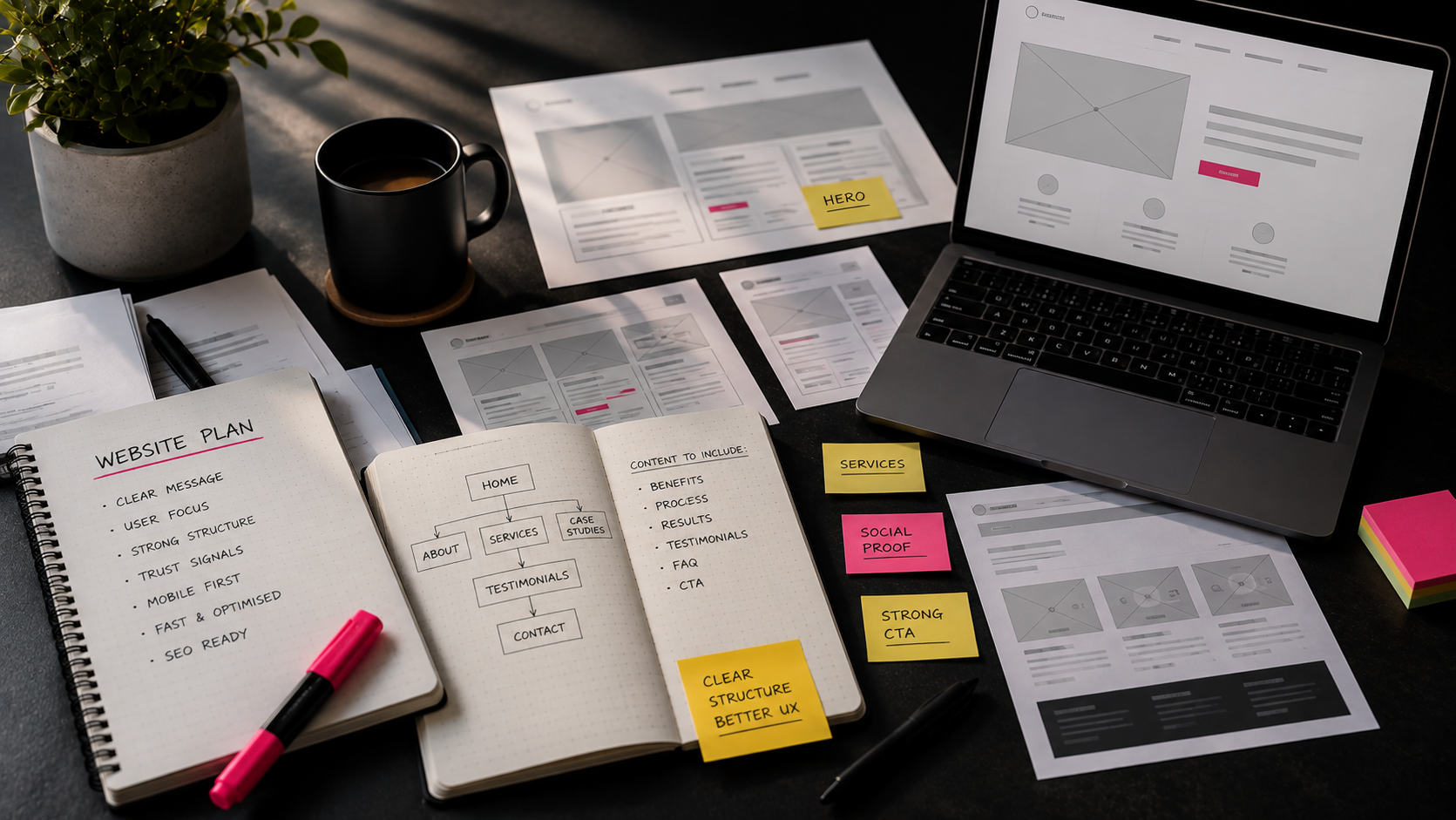
A stronger website starts with clearer content. Learn what to keep, improve, remove and prepare before the design process begins.
This keeps the title highly descriptive for both readers and search engines, while the supporting copy explains the practical value of the guide without becoming too long.
Quick answer
Prepare the Content Before You Design the Website
A successful website redesign starts long before anyone chooses colours, layouts or fonts. The strongest projects begin by reviewing what already exists, understanding what customers need and deciding what the new website must achieve.
Planning your content early prevents delays, reduces unnecessary design revisions, protects existing SEO and creates a website that supports real business goals.
Before the redesign
Why Content Should Come Before Design
Good design supports good content, not the other way around. Without clear messaging, even an attractive website can leave visitors unsure what you do, who you help or what they should do next.
Know the audience
Decide who the website must reach and what problems those people need you to solve.
Prioritise the message
Identify your most important services, evidence and customer questions before layouts are created.
Define the action
Choose whether visitors should call, enquire, book, buy, download or view your work.
Once these decisions are made, page structure and design become far easier to get right.
Start with the business
Define What Success Looks Like
Before reviewing a single page, decide what the redesigned website needs to achieve. A clearer objective gives every page a purpose and makes it easier to decide what belongs on the site.
Commercial goals
- Generate more qualified enquiries
- Increase calls or bookings
- Support a new or expanded service
Communication goals
- Build trust more quickly
- Showcase recent work
- Make information easier to find and manage
Try to choose one primary goal and two supporting goals. If every possible outcome is treated as equally important, the website will struggle to guide visitors towards any of them.
Content audit checklist
Audit Your Existing Website
A redesign does not mean deleting everything and starting again. Your existing website may contain useful copy, established search rankings, valuable backlinks and pages that already generate enquiries.
Review every page honestly
- Does it still reflect the business?
- Is the information accurate?
- Does it attract useful traffic or enquiries?
- Does it answer a genuine customer question?
- Does it support a current service?
Create a simple audit sheet
List each page, its URL, purpose, traffic or enquiry value and the action it needs.
Mark every page:
KEEP | IMPROVE | MERGE | REMOVE
Important: Before removing or changing a URL, check whether it receives organic traffic or has links pointing to it. Valuable pages may need to be retained, consolidated or redirected rather than simply deleted.
Make deliberate decisions
Keep, Improve, Merge or Remove?
| Decision | Use it when... | What to do next |
|---|---|---|
| Keep | The page is accurate, useful and already performs well. | Preserve its purpose, URL and strongest content. |
| Improve | The subject is valuable but the copy, imagery or conversion path is weak. | Update the message without losing its established search value. |
| Merge | Several thin or overlapping pages compete for the same topic. | Create one stronger page and redirect the redundant URLs. |
| Remove | The content is outdated, irrelevant or provides no visitor or SEO value. | Delete carefully and add a relevant redirect where one exists. |
Old news, expired promotions, duplicate services and outdated team information are common candidates for removal.
Website redesign planning
Plan a Clear Website Structure
Once the audit is complete, organise the remaining and planned content around what visitors need to find. Most small business websites benefit from a straightforward core structure.
One page should have one clear purpose. Creating more pages does not automatically improve SEO. Add a page when it serves a distinct customer need or search intention.
Website copy before redesign
Write for Your Customers, Not Yourself
Business owners naturally start with their history, credentials and internal language. Visitors usually start somewhere else: with a problem, concern or outcome they want.
Business-first copy
“We are an award-winning company established in...”
This may be useful evidence, but it does not immediately explain why the visitor should care.
Customer-first copy
“We help growing businesses solve...”
This connects your experience to the visitor's situation and makes the value easier to understand.
Use plain English, short paragraphs, descriptive headings, real examples and specific calls to action. Avoid jargon unless your customers genuinely use and understand it.
More than words
Gather Images, Evidence and Brand Assets
Photography, testimonials and proof are part of your website content. Gathering them early gives the designer more flexibility and prevents important sections being filled with placeholders.
People and place
- Team portraits
- Working environment
- Behind-the-scenes images
Work and results
- Projects and products
- Before-and-after examples
- Videos and demonstrations
Trust and identity
- Logos and brand assets
- Testimonials and reviews
- Awards and certifications
Planning new photography? Schedule it early enough for the final edited images to influence the design. Authentic photography usually builds far more trust than filling every section with generic stock imagery.
Protect and improve visibility
Prepare SEO Before the Website Launch
SEO is not a plugin setting to add at the end. Page purpose, copy, navigation and internal links should be considered while the content is being planned.
Plan the new content
- Primary and supporting search terms
- Dedicated service and relevant location pages
- Useful FAQs based on customer questions
- Internal links between related pages
- Page titles and meta descriptions
Protect what already works
- Record existing page URLs
- Identify pages with traffic and backlinks
- Keep strong URLs where practical
- Map old URLs to relevant new pages
- Check redirects and indexing after launch
Deleting a high-performing page without a suitable replacement or redirect can cause a significant loss of organic visibility.
Guide the next step
Plan Calls to Action and Trust Signals
Tell visitors what to do
Use specific actions such as Request a quote, Book a discovery call, Download the guide or View our work.
Avoid a vague “Learn more” when you can explain exactly what the visitor will receive.
Give them a reason to believe
Support claims with testimonials, case studies, client logos, awards, certifications and real project photography.
Trust signals often influence enquiries more than visual styling alone.
Avoid preventable delays
Six Common Content Mistakes
Waiting for the design
Layouts are forced to change when the real content arrives late.
Writing at the last minute
Rushed copy tends to be inconsistent, repetitive and unclear.
Forgetting existing SEO
Useful rankings can be lost when pages or URLs disappear without a plan.
Ignoring customer questions
Prospects leave when they cannot find the information needed to make contact.
Relying on stock imagery
Generic visuals rarely provide the same credibility as real people and work.
Creating too many pages
Thin pages add complexity without necessarily improving search visibility.
Website content checklist
What to Prepare Before the Redesign Begins
- Primary website goal defined
- Every existing page audited
- Keep, improve, merge or remove decisions made
- Navigation and service pages planned
- Page copy drafted
- Calls to action agreed
- Customer questions collected
- Testimonials and proof gathered
- Photography and videos prepared
- Brand assets reviewed
- Target search terms identified
- Internal links planned
- Old and new URLs mapped
- Legal pages reviewed
- Contact details checked
- Downloads and resources prepared
You do not need every sentence to be perfect before design begins. You do need a reliable content plan, a clear page purpose and a realistic understanding of what assets are available.
Frequently asked questions
Website Redesign Content FAQs
When should content be written during a website redesign?
Should I rewrite every page?
Can I redesign my website without changing the content?
How many pages does a small business website need?
Should SEO be prepared before launching a new website?
What happens if my content is not ready before design starts?
Planning a Website Redesign?
A successful website is not built around a template. It is built around your business.
At Scorpion Media, we begin every website project by understanding your goals, your customers and what the website genuinely needs to achieve.
If you are considering a redesign but are unsure what content to keep, what needs improving or where to begin, we can help you plan the right way forward.
Related services
Related case studies
C3 People Advisory
Duck Smart
Styled by Allesse
Reviewed by Scorpion Media in August 2026.